
Download Multi Commander – Free, Secure File Manager for Windows & Mac
Looking for a powerful, free alternative to Windows Explorer? Multi Commander is a feature-rich file manager designed for users who demand more from their desktop experience. With a dual-panel interface, multi-tab navigation, and advanced tools like auto-unpacking, archive browsing, and built-in image viewers, Multi Commander transforms how you manage files.
Whether you're a power user, developer, or casual user, this software delivers speed, flexibility, and control. It’s fully compatible with Windows and Mac, offering a secure, lightweight, and customizable environment. Download Multi Commander today and take full control of your digital workspace.
Why Choose Multi Commander Over Windows Explorer?
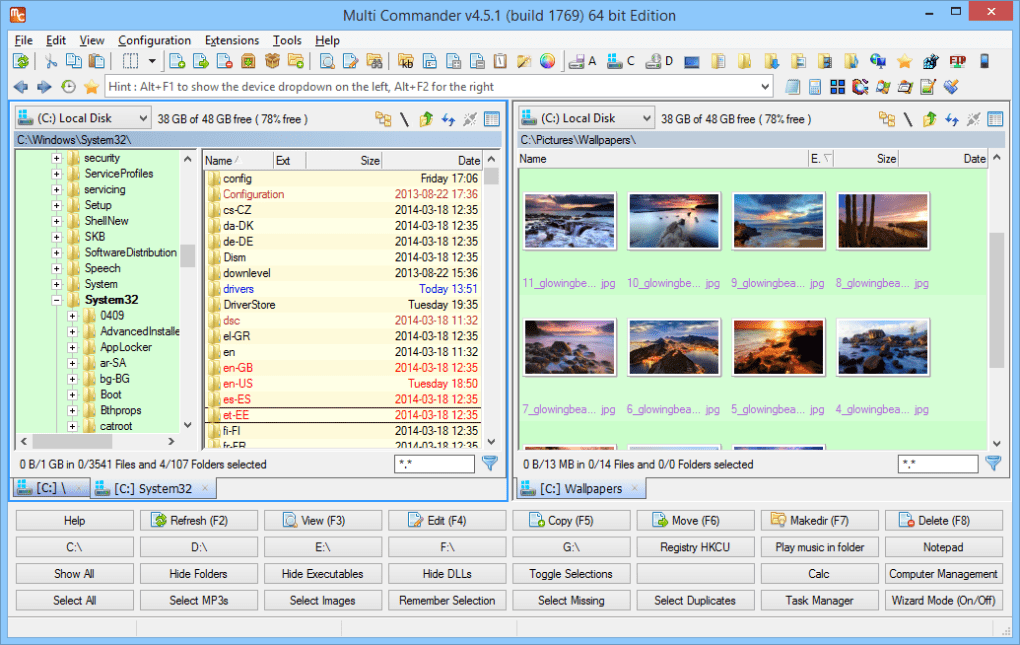
Multi Commander stands out as one of the most capable free file managers available, especially for users frustrated with the limitations of default Windows Explorer. Unlike the basic interface and restricted functionality of the built-in file explorer, Multi Commander brings a professional-grade toolkit to your desktop. Its dual-panel layout allows you to compare, copy, and move files between folders with ease—ideal for organizing large projects, managing media libraries, or transferring data between systems. The multi-tab interface ensures you can juggle multiple directories without cluttering your screen, and each tab can be customized with different views, filters, and sorting options. One of the standout features is auto-unpacking. When you open a ZIP, RAR, or 7Z file, Multi Commander automatically detects the archive format and extracts it on the fly—no need to manually extract files first. This feature saves significant time, especially when dealing with bulk downloads or software installations. Additionally, the software supports archive browsing, meaning you can explore the contents of compressed files without extracting them, making it perfect for quick file access. Another major advantage is the built-in image viewer, which supports over 50 formats including RAW, PSD, and TIFF. You can preview images directly in the file list without launching external applications. The Windows Registry editor is also a valuable tool for advanced users, allowing quick access to system settings and configuration tweaks. With script support and customizable keyboard shortcuts, automation becomes effortless—whether you're renaming hundreds of files or syncing folders. All these features are packed into a lightweight, secure application that runs smoothly on modern systems.Installation & Usage Made Simple
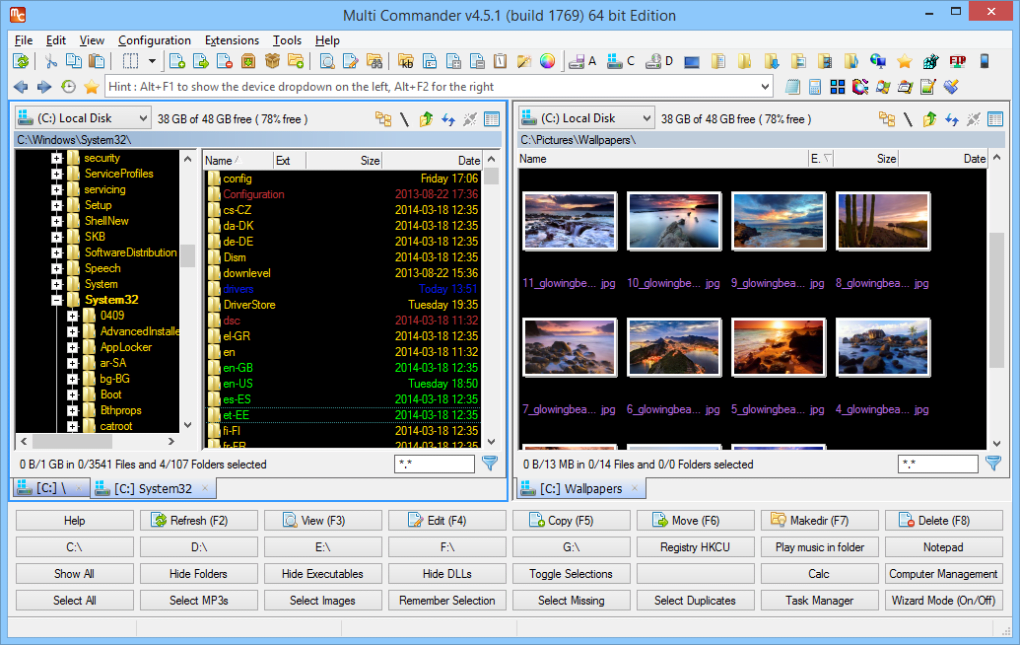
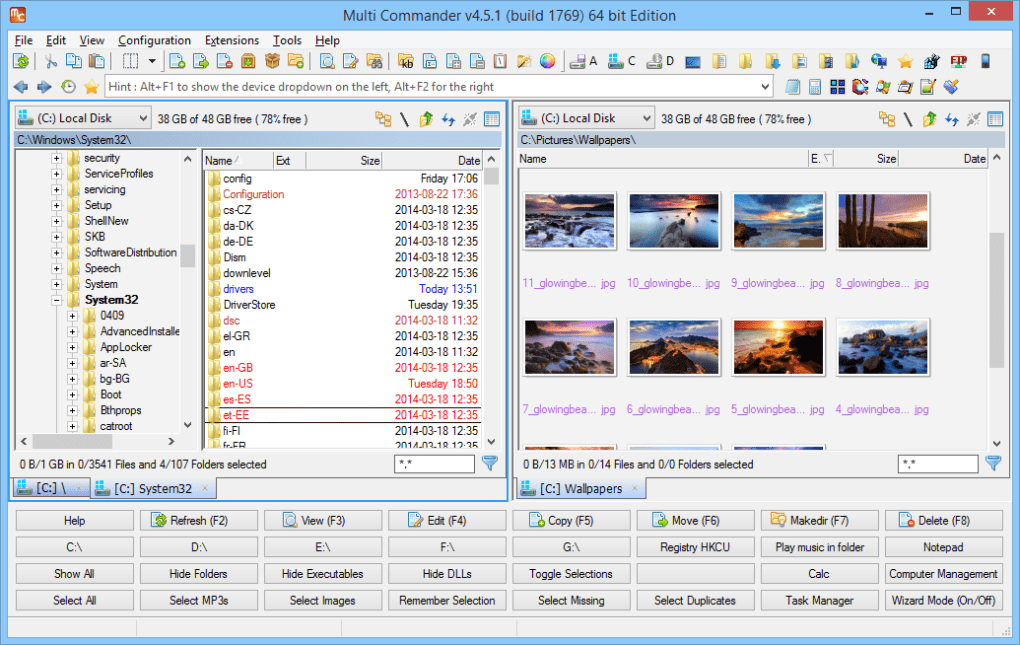
Getting started with Multi Commander is quick and straightforward, whether you're using Windows or Mac. The software is available as a free download from the official website, with no registration required. The installer is small, secure, and free of bundled ads or third-party software—something many users appreciate when choosing a file manager. After downloading the appropriate version (Windows or Mac), simply run the installer and follow the on-screen prompts. The setup process takes less than a minute, and you’re ready to launch the application. Upon first launch, you’ll be greeted with a clean, intuitive interface. The dual-panel layout is immediately recognizable, with the left panel showing your system directories and the right panel displaying the selected folder. You can easily switch between views—List, Details, Thumbnails, and Tiles—depending on your preference. To navigate, simply click on folders or use the address bar at the top. The multi-tab system allows you to open multiple directories simultaneously, each in its own tab, and switch between them with a single click. Customization is a core strength. You can modify the toolbar, add custom buttons, change the theme, and even create custom file operations using the built-in script engine. For example, you can set up a script that automatically renames files in a specific pattern or moves duplicates to a backup folder. Keyboard shortcuts are fully customizable, so you can tailor the experience to your workflow. Whether you're a beginner or an advanced user, Multi Commander adapts to your needs.Compatibility & System Requirements
Multi Commander is designed to be compatible with a wide range of systems, making it accessible to most users. It supports Windows 7, 8, 10, and 11 (both 32-bit and 64-bit versions), ensuring broad usability across older and newer machines. For Mac users, the software runs on macOS 10.12 (Sierra) and later, including Apple Silicon (M1/M2) Macs, thanks to native support and optimized performance. This cross-platform compatibility makes Multi Commander a versatile choice for both personal and professional use. The application is lightweight, consuming minimal system resources. Even on older hardware, it runs smoothly without slowing down your machine. It doesn’t require administrator rights to install or run, so it’s ideal for shared or restricted environments. The software is also fully portable—meaning you can run it from a USB drive without installation, perfect for users who work across multiple computers. Security is a top priority. All downloads are signed with a digital certificate, and the software is regularly updated to patch vulnerabilities and improve stability. The developers actively monitor feedback and release updates to enhance performance and add new features. Whether you're managing sensitive files, organizing large media libraries, or working on software projects, Multi Commander ensures a secure and reliable experience.Pros & Cons: Is Multi Commander Right for You?
- Pros:
- Free and open-source with no ads or hidden costs
- Advanced dual-panel and multi-tab interface
- Auto-unpacking and archive browsing for ZIP, RAR, 7Z, and more
- Powerful built-in image and file preview tools
- Customizable keyboard shortcuts and script support
- Lightweight, fast, and secure performance
- Available for Windows and Mac, including Apple Silicon
- Portable version available for USB use
- Cons:
- Interface may feel overwhelming for absolute beginners
- Limited community support compared to mainstream tools
- No official mobile version (Android/iOS)
- Some advanced features require manual configuration
- Less polished than paid alternatives like Directory Opus
Frequently Asked Questions (FAQ)
- Is Multi Commander free to download and use?
-
Yes, Multi Commander is completely free to download and use. It’s open-source software released under the GPL license, meaning you can use, modify, and distribute it without cost.
- Can I use Multi Commander on Mac?
-
Yes, Multi Commander supports macOS 10.12 and later, including M1 and M2 Macs. The Mac version is fully functional and optimized for Apple Silicon processors.
- Does Multi Commander support ZIP and RAR files?
-
Absolutely. Multi Commander supports a wide range of archive formats, including ZIP, RAR, 7Z, TAR, GZ, and more. It features auto-unpacking and direct browsing without extraction.
- Can I run Multi Commander from a USB drive?
-
Yes, Multi Commander offers a portable version that runs directly from a USB stick without installation. This is ideal for using on public or shared computers.
- Is there a mobile version for Android or iOS?
-
Currently, Multi Commander does not have official mobile versions for Android or iOS. It is designed exclusively for desktop platforms.







